
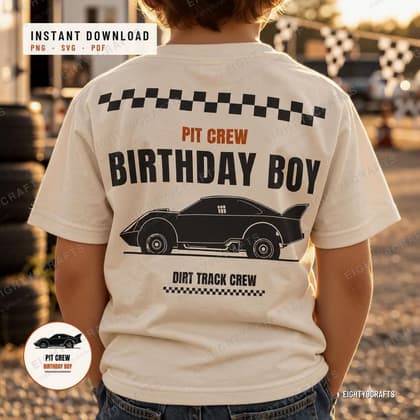
One question decides this: does a machine need to cut it, or does a printer need to print it? That is also why many designs ship as both.
SVG: for cutting
SVG (cut file) is the format for Cricut Design Space, Silhouette Studio and Brother ScanNCut. It is a drawing, so it scales from a two-inch patch to a yard sign without a blur, and a well-made cut file layers colours the way you would want on a shirt.
If the word in the listing is "cut file" or the design is a layered phrase, this is the format your machine wants.
PNG: for printing
PNG is a flattened picture at 300 DPI with transparent areas where the design does not fall. That is what sublimation, DTF shops, waterslide paper and print shops want: one image, no background, ready to place.
Never upsize a PNG beyond about 120% for print quality; SVG carries that job instead.
Telling them apart in a listing
Two things decide it: the title says "SVG" or "PNG", and the listing’s WHAT YOU GET spells out each file and its size. If you would like to see one before committing, the WHAT YOU GET preview is the second image on a listing.
- Each listing states its exact formats under WHAT YOU GET — start there, not with the picture.
A rotating view of the newest cut-file designs; the full shop has more.
Pulled from the shop right now
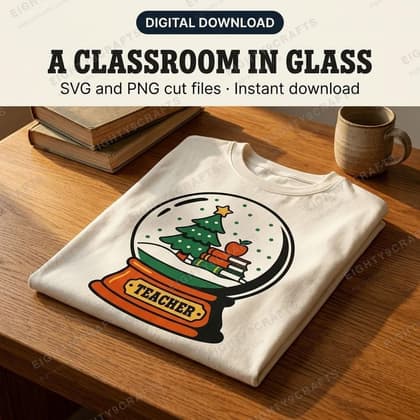
Teacher Christmas PNG, Snow Globe Classroom Shirt Design SVG Cut File
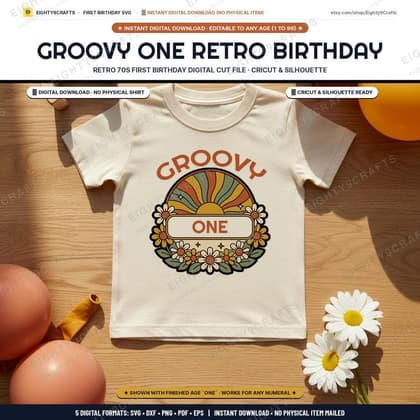
Groovy One SVG, Retro First Birthday Shirt Cut File for Cricut
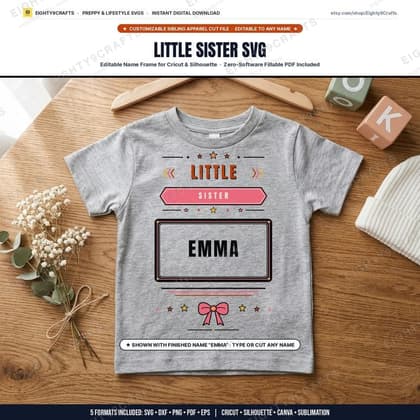
Little Sister SVG, Editable Name Frame Kids Shirt Cut File for Cricut
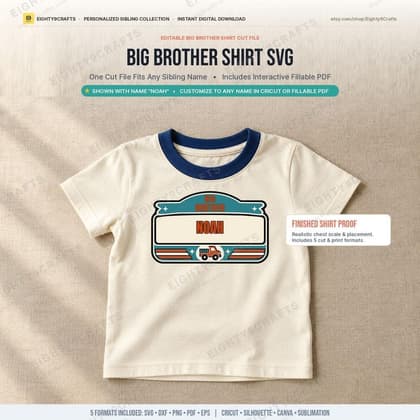
Big Brother SVG, Editable Name Frame Kids Shirt Cut File for Cricut
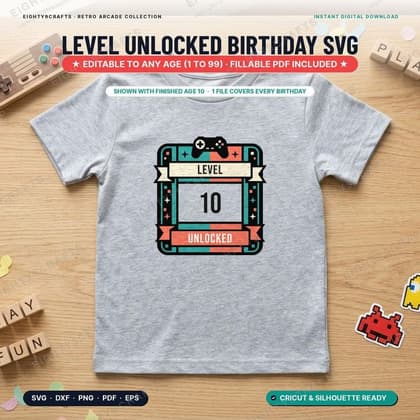
Kids Birthday Shirt SVG, Level Unlocked Editable Age Cut File for Cricut
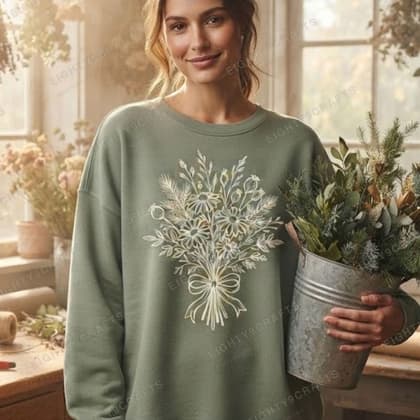
Winter Wildflower SVG, Botanical Snow Meadow Frame Cut File for Cricut
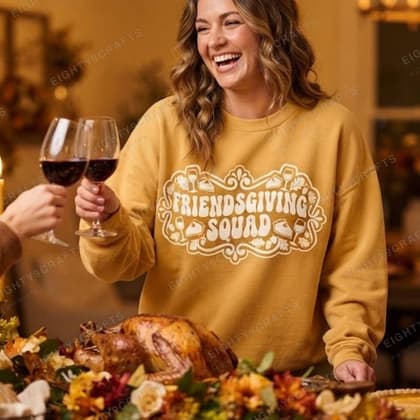
Friendsgiving Shirt SVG, Retro Fall Squad Cut File for Cricut
The shelf above regenerates from the shop at every build — new designs join it, retired ones leave.
More guides
Collection
Christmas, Halloween & Valentine's, kept tidy
A quieter way to pick seasonal cut files and clipart: what the shelf is for, how to match a design to a garment, and every current seasonal design in one place.
CollectionSarcasm for shirts, mugs and totes
The everyday humour shelf: sarcastic cut files and clipart made to be worn on a Tuesday, with quick guidance on formats and garment colours.
CollectionBirthdays, siblings and the family crew
Kids and family designs: birthday crews, sibling sets and family shirts, with notes on picking sizes and matching a set across the household.